Edit the words inside
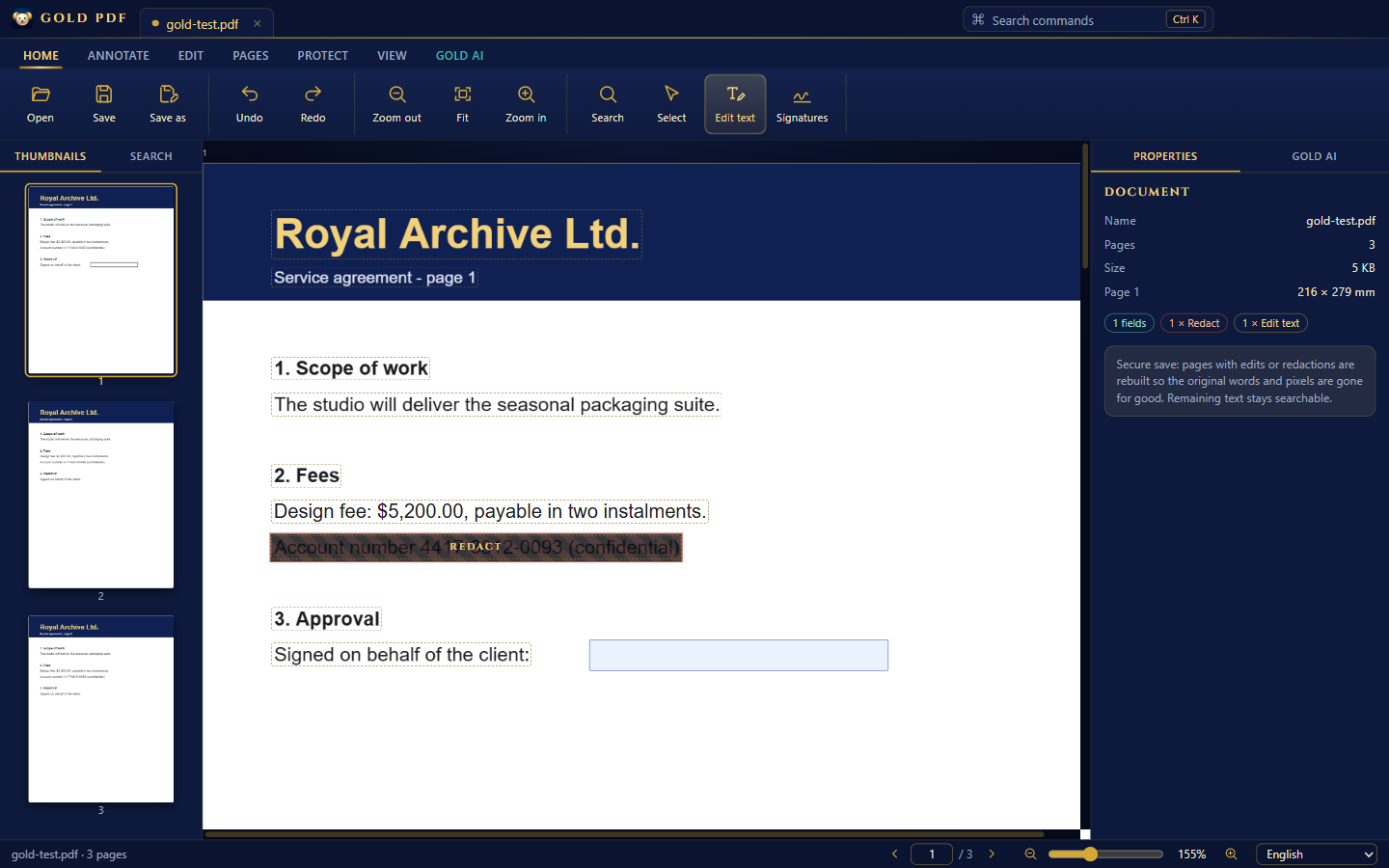
Click any line and retype it. Gold PDF matches the size and colour — and on save, the old words are removed from the file, not just hidden.
 GOLD PDF
Download free
GOLD PDF
Download free
The royal PDF editor for Windows
Edit the words already inside your PDFs. Redact for real. Read scanned pages. Fill, sign and protect — in 30 languages, on your own computer, and completely free.
Built like a treasure
The professional tools people pay hundreds a year for — in one calm, golden window that opens in seconds and never asks for a card.
Free, not "free trial"
Gold PDF costs nothing — today, next year, for one person or a whole company. Here is what the usual names ask for.
You keep $240 compared with A Pro.
| Gold PDF | A | F | N PDF Standard | P Plus | S Pro | I Premium | |
|---|---|---|---|---|---|---|---|
| Typical price | Free | ~$19.99 / month annual plan | ~$131.88 / year or one-time license | ~$15 / user / month | from ~$72 one-time | ~$12–15 / month | ~€5–9 / month |
| Subscription needed | Never | Yes | Optional | Yes | No | Yes | Yes |
| Works fully offline | Yes | Yes | Yes | Yes | Yes | Online tool | Online tool |
| Files leave your PC to be edited | Never | Optional cloud | Optional cloud | Optional cloud | No | Uploaded | Uploaded |
| AI help | Included, your own key, 15 providers | Paid add-on | Paid add-on | — | — | Varies by plan | Varies by plan |
| Account or sign-in | None | Required | Usually | Usually | No | Required | Required |
Prices are typical published list prices in October 2026 and change often by country, billing period and promotion — please check A, F, N, P, S and I. The calculator uses the first figure shown. All product names are trademarks of their owners; Gold PDF is not affiliated with them.
The treasury
Click any line and retype it. Gold PDF matches the size and colour — and on save, the old words are removed from the file, not just hidden.
Black out names, numbers, signatures. They're gone from the text, the pixels and the metadata.
Recognise text on scanned pages, then search, copy and edit it. English and Hebrew built in; 28 more on demand.
Text boxes, tick boxes, radios and drop-downs light up and save as real form values.
Draw or import once. Drop it on any page, any document, forever.
Open locked PDFs and lock yours with modern encryption on save.
Results list with context, every match highlighted across every page — scanned ones too.
Thumbnails you can drag, rotate, insert, delete, merge and extract.
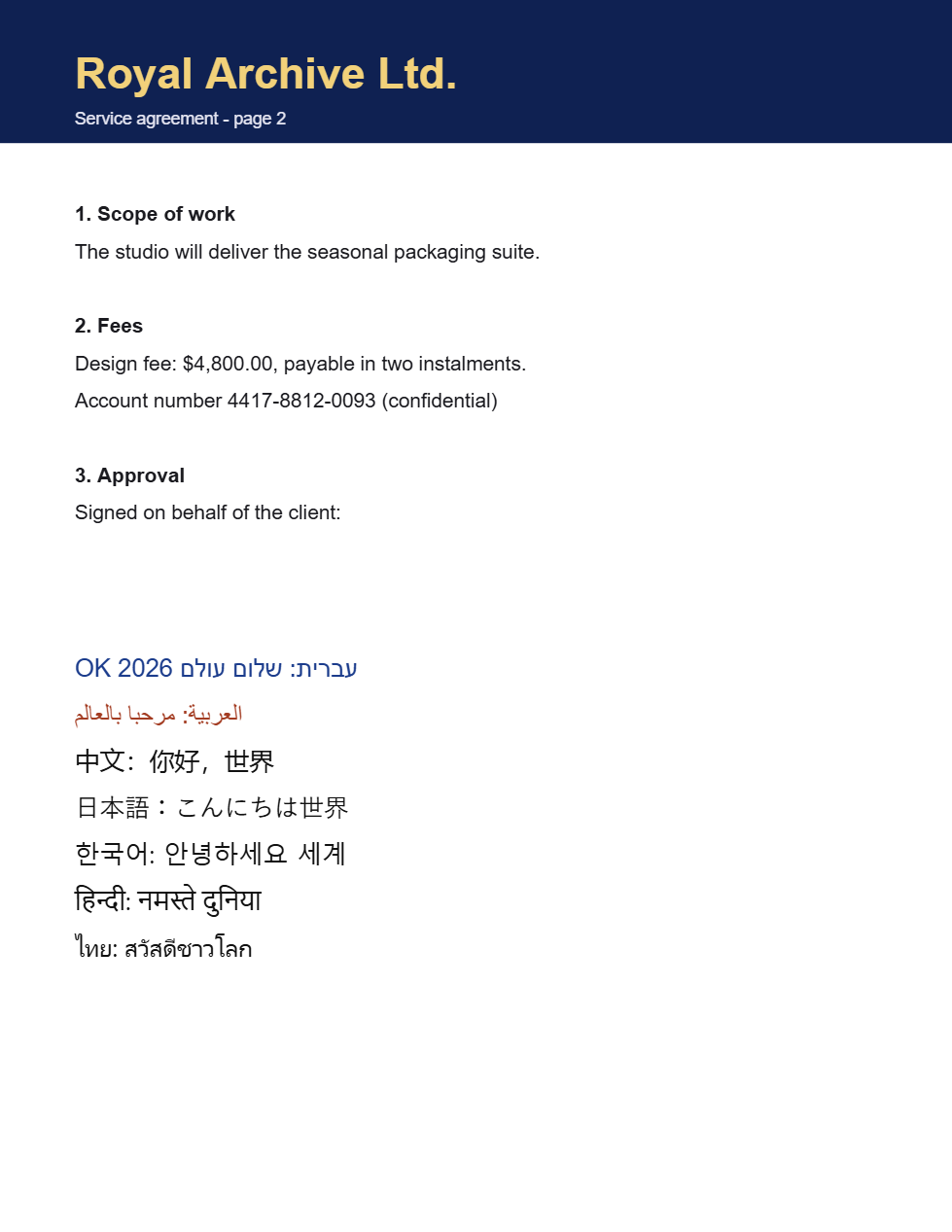
Hebrew and Arabic flow right-to-left with proper joining; Chinese, Japanese, Korean, Hindi and Thai are typed straight into the page using the fonts already on Windows.
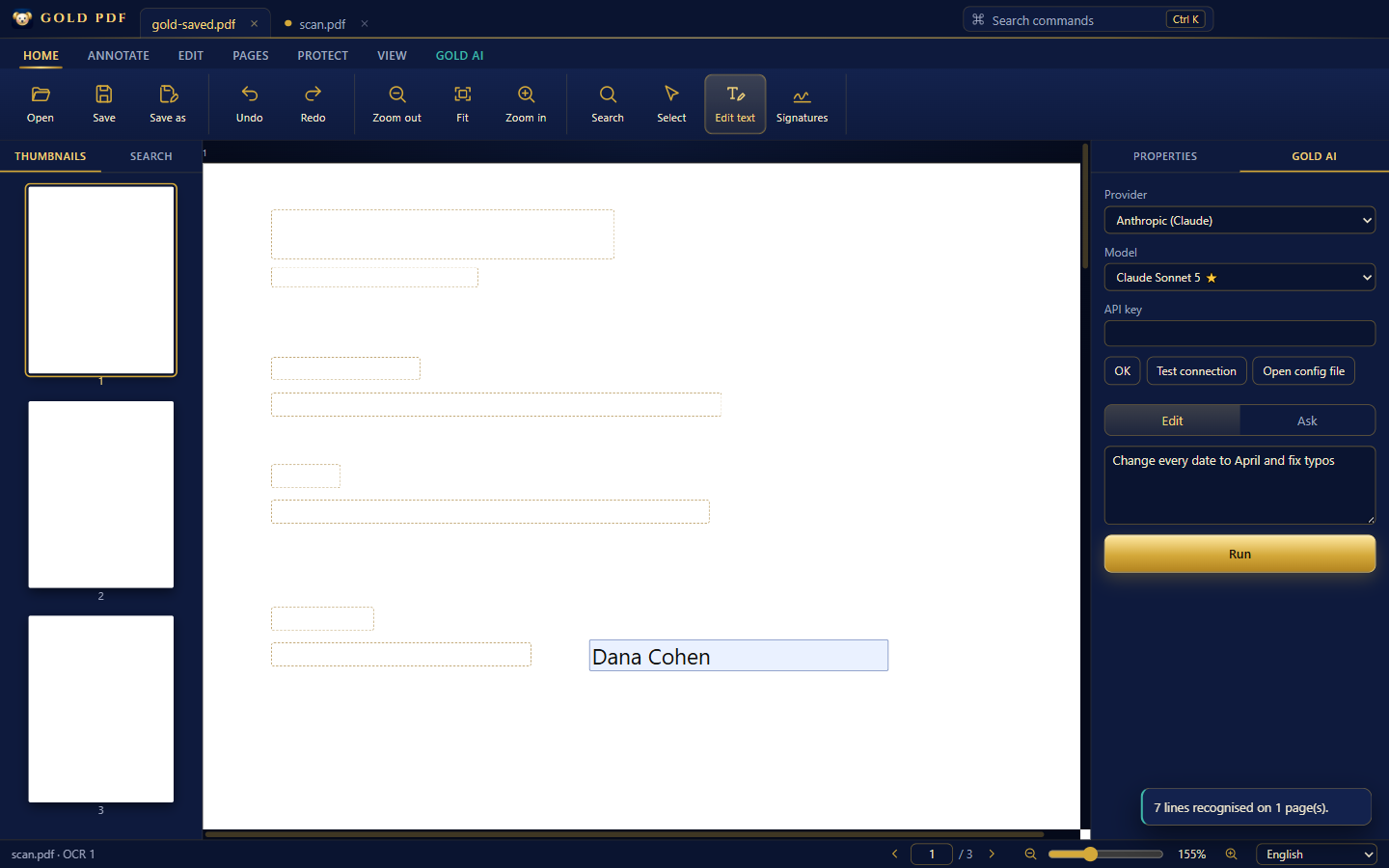
"Change every date to April." Review each line, then apply.
Tabs, command palette (Ctrl+K), undo and redo, shortcuts for every tool.
Redaction that really removes
Many editors only paint a box over a secret. Gold PDF rebuilds every page you redact or edit, then clears what's left behind.
Gold AI · bring your own key
Connect the AI you already use. Ask for edits or answers in plain words; every proposed change is shown — old and new — before anything touches the page.
Off until you add a key and press Run. Only the document's text and your instruction go to the provider you picked. A one-click Test connection shows that your key works.
Speaks 30 languages
The whole interface switches instantly — and you can type new text in Hebrew, Arabic, Chinese, Japanese, Korean, Hindi, Thai and more, straight into the PDF.
Inside the palace
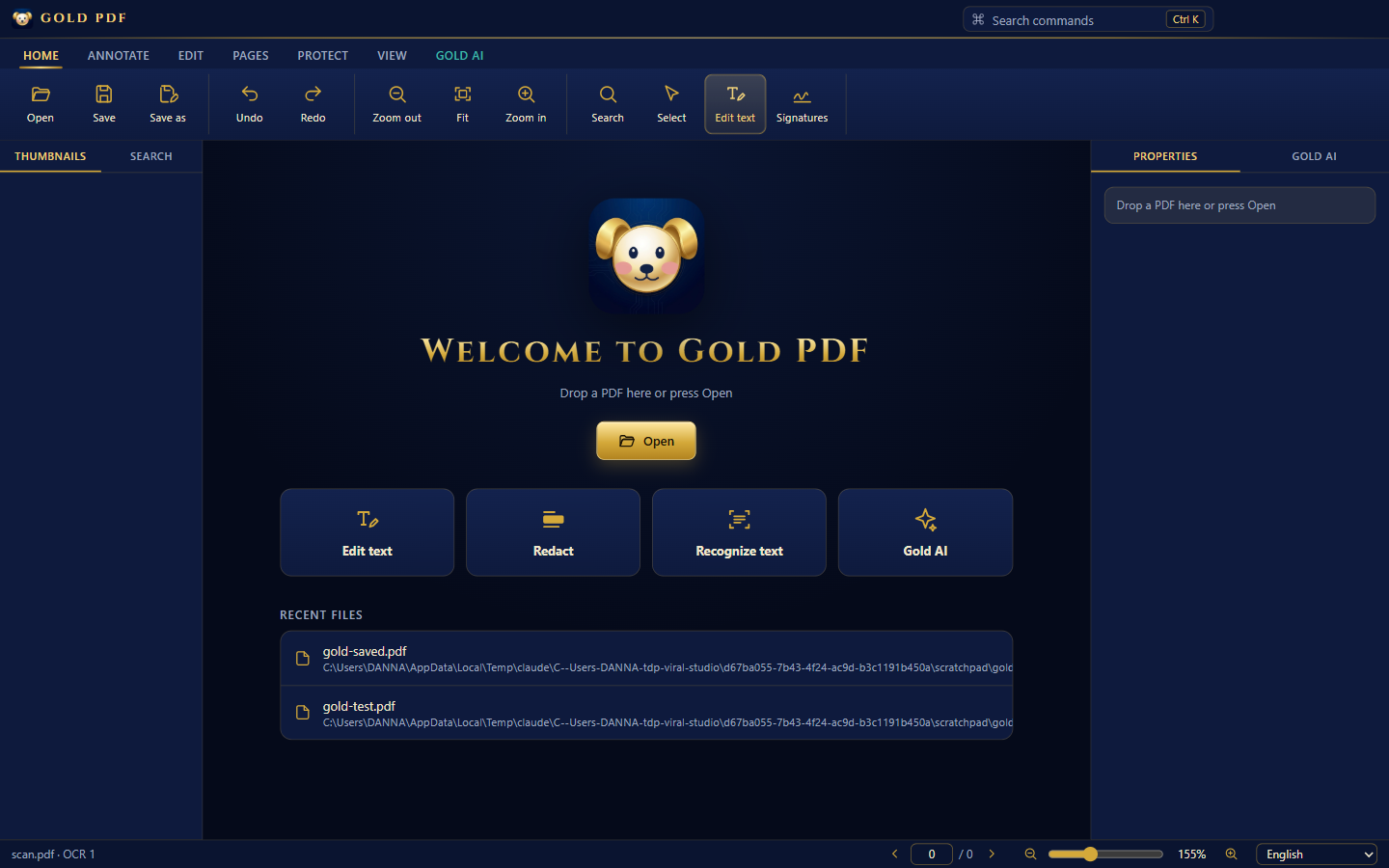
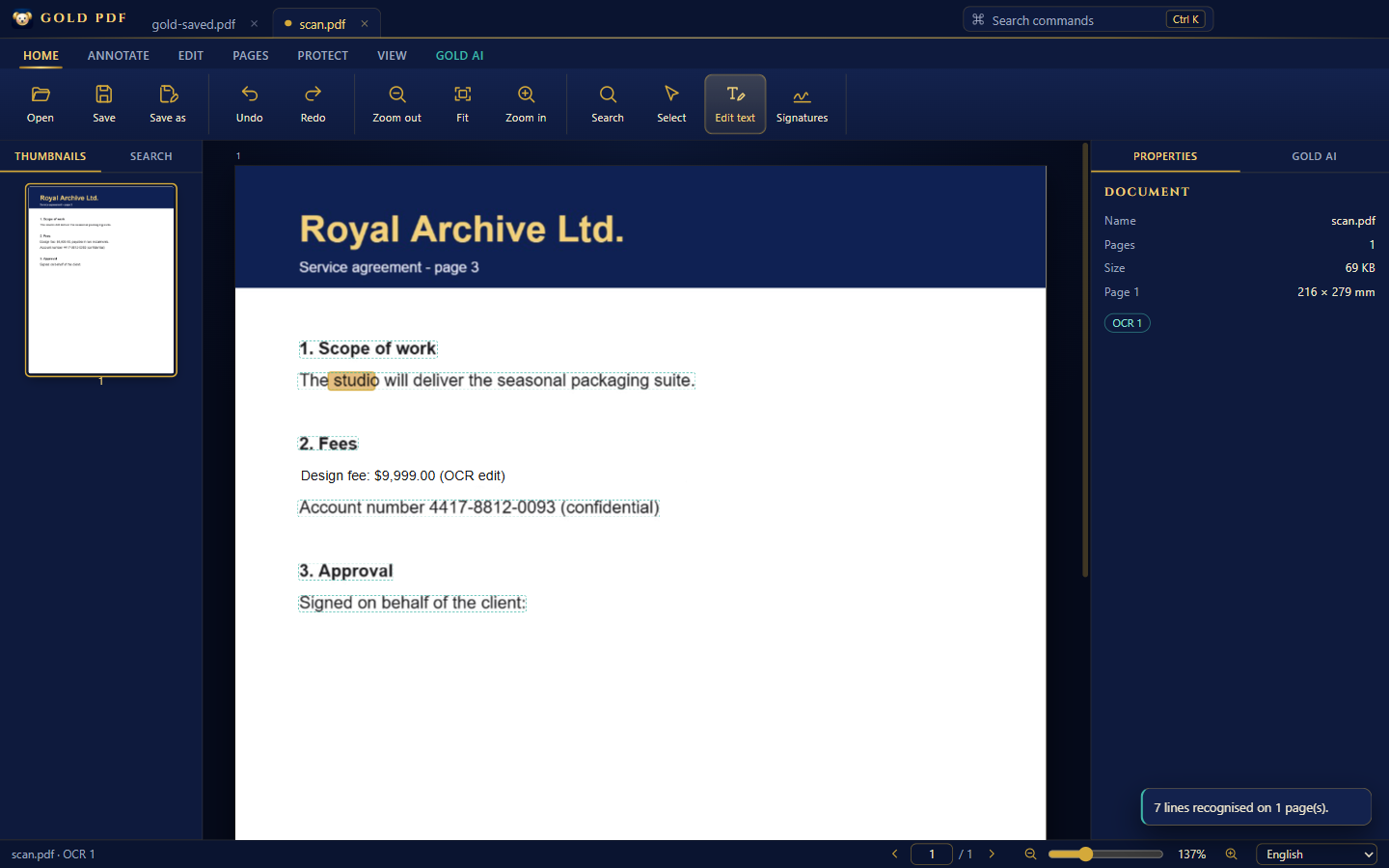
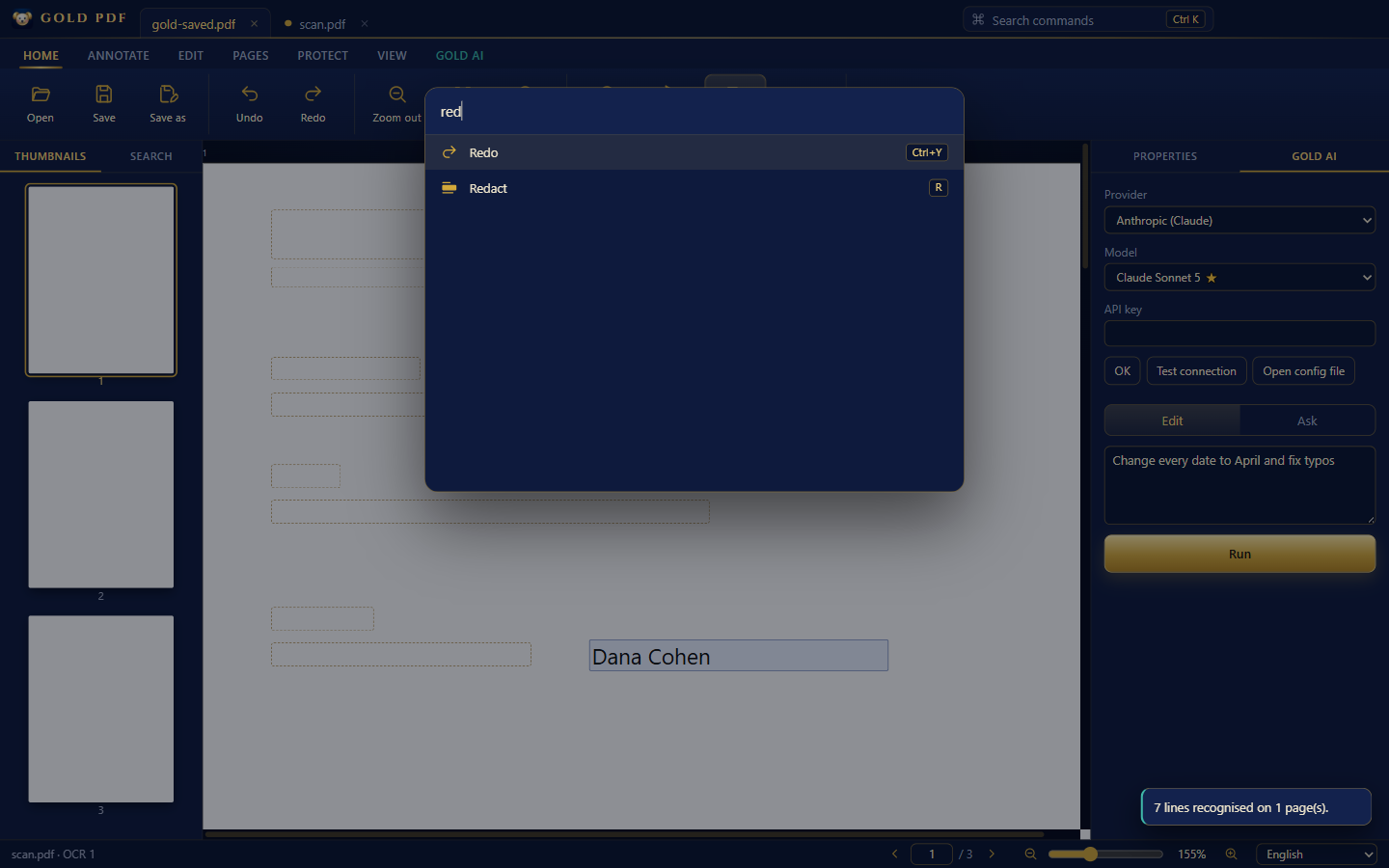
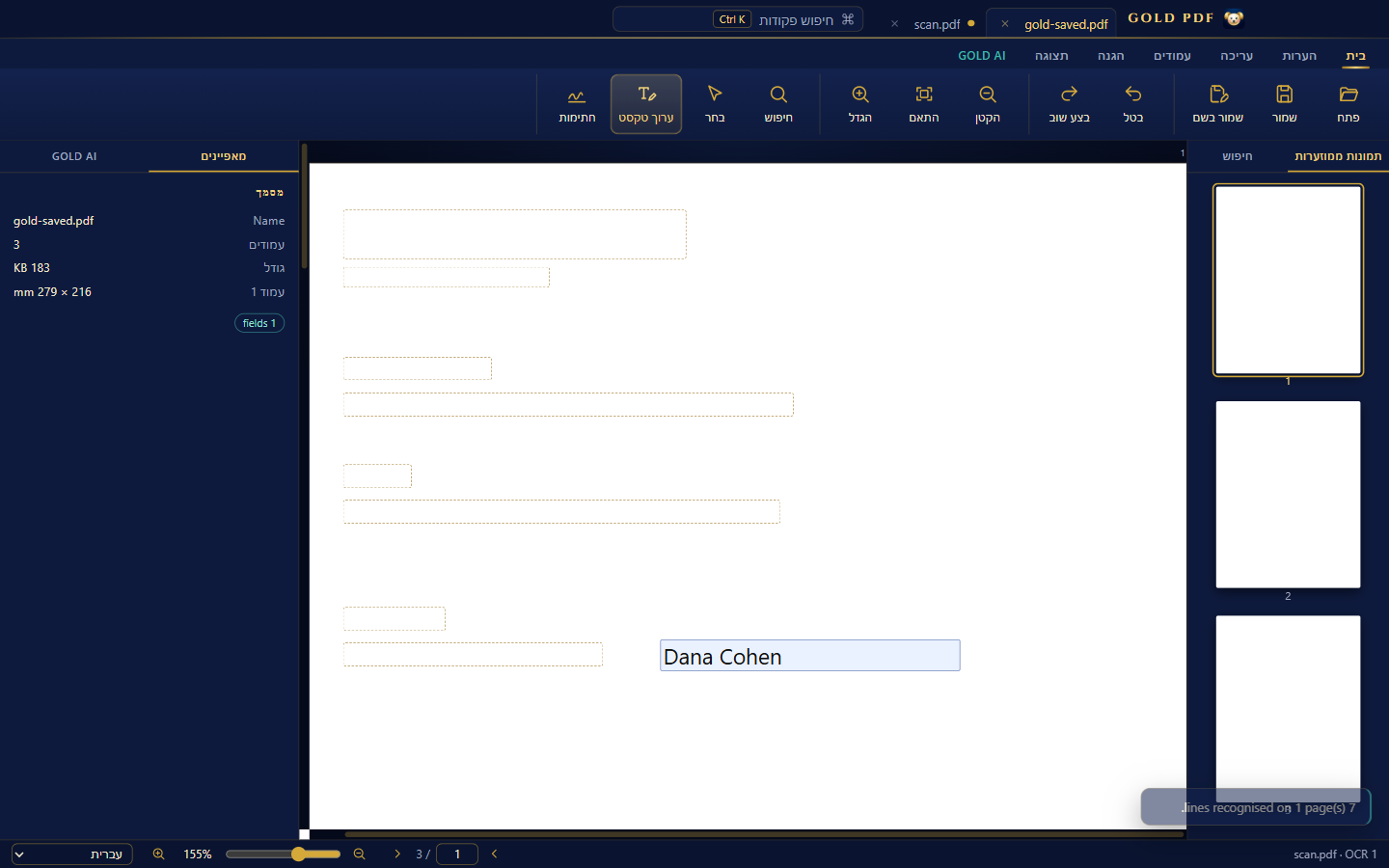
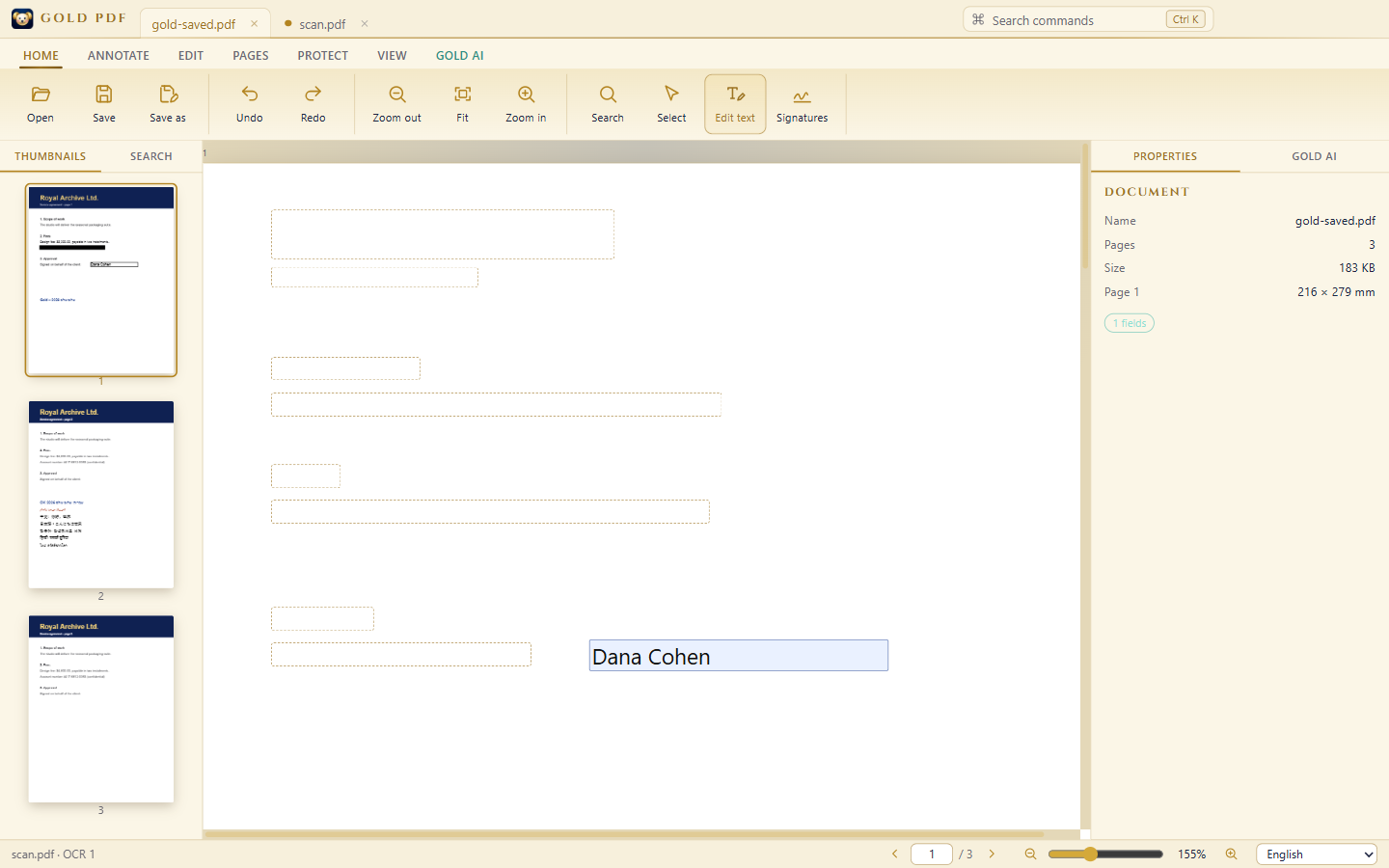
Open several PDFs as tabs. Recent files wait on the welcome screen.
A setup worthy of the name
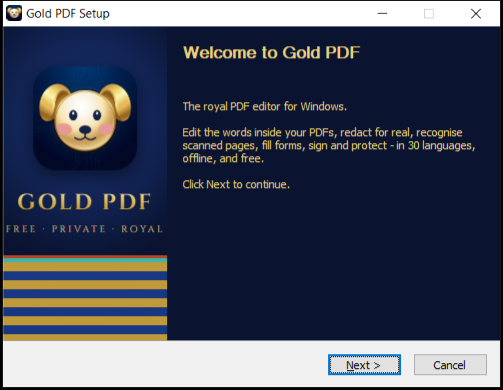
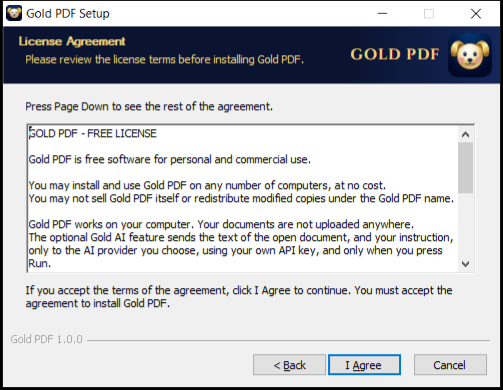
Gold PDF 1.0
Guides
Questions
Yes. Gold PDF is free to download and use, for personal and commercial work, with no account, no watermark and no time limit. Gold AI is optional and uses your own key with the provider you choose, so any AI usage cost is between you and them.
Yes. When you save, every page with a redaction or a text edit is rebuilt: your changes are burned into a high-resolution image, the remaining words come back as an invisible searchable layer, and old content, orphaned objects and document metadata are swept from the file. Pages you didn't touch stay exactly as they were.
With secure saving on (the default), it is rebuilt the same way as a redacted page, so the old words cannot be recovered. You can switch secure saving off in Settings if you prefer to keep the page as vector text — then edits only cover the old words.
Yes. Press Recognize text: Gold PDF reads the page with OCR, then you can search, edit and ask Gold AI about it. English and Hebrew are built in; other languages download once, the first time you use them.
Latin, Greek, Cyrillic, Hebrew, Arabic (with letters joined), Chinese, Japanese, Korean, Hindi and Thai — using the fonts that come with Windows.
Only the open document's text lines and your instruction, straight to the provider you chose with your own key, and only when you press Run. Your key lives in a small config file on your PC that you can open and edit.
Windows only for now.
Windows Settings → Apps → Gold PDF → Uninstall. Your PDFs are never touched.